Tickets and boards
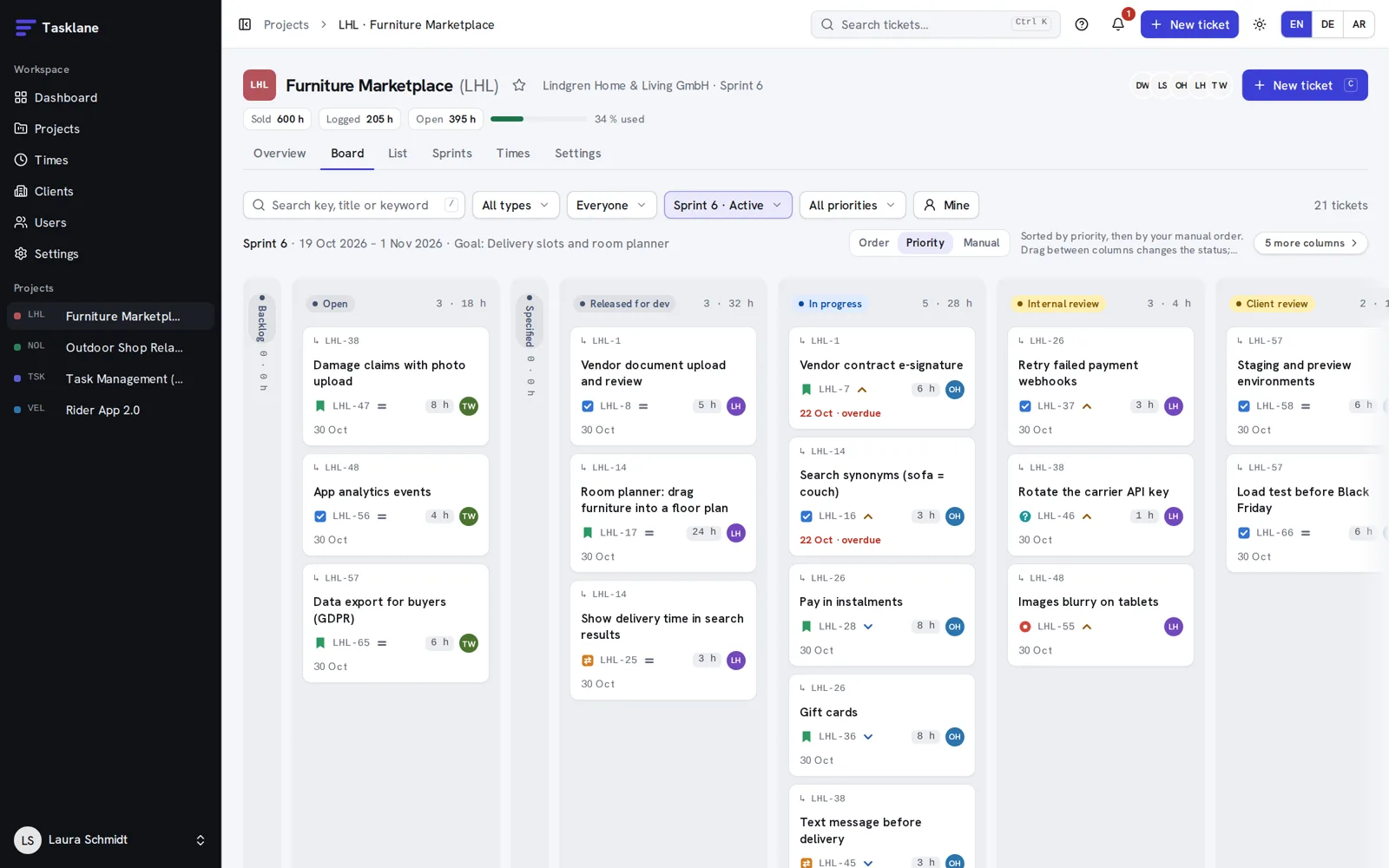
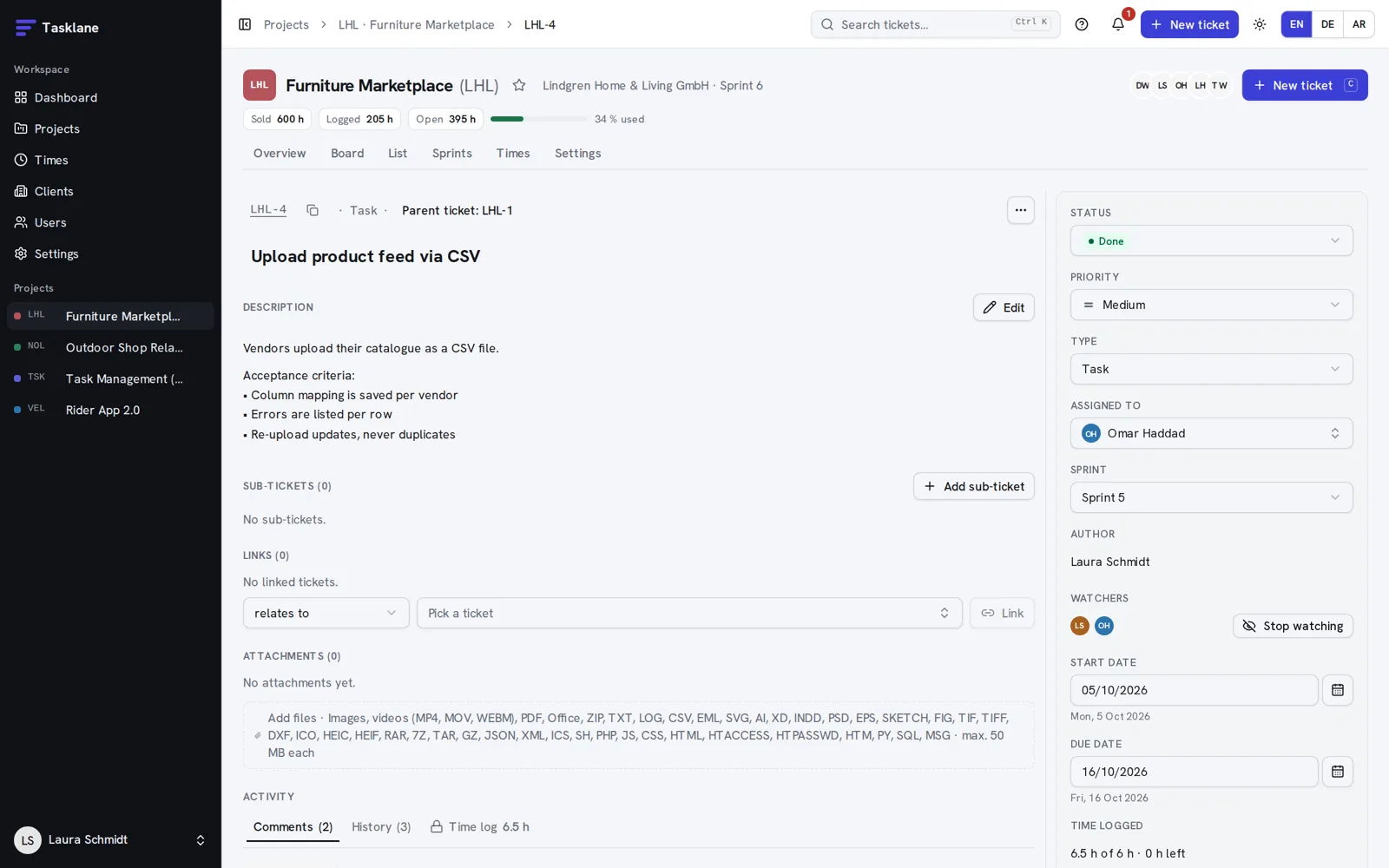
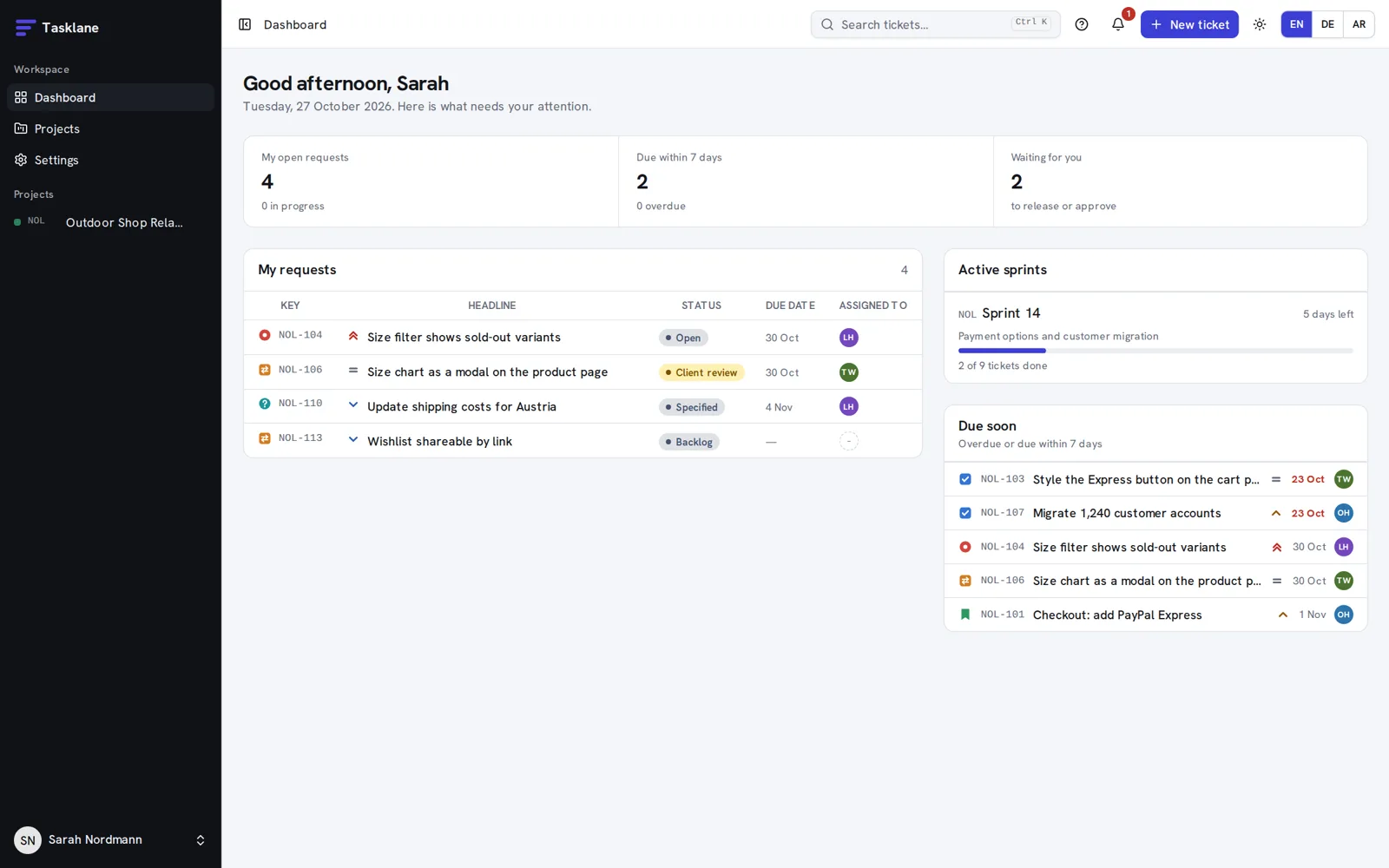
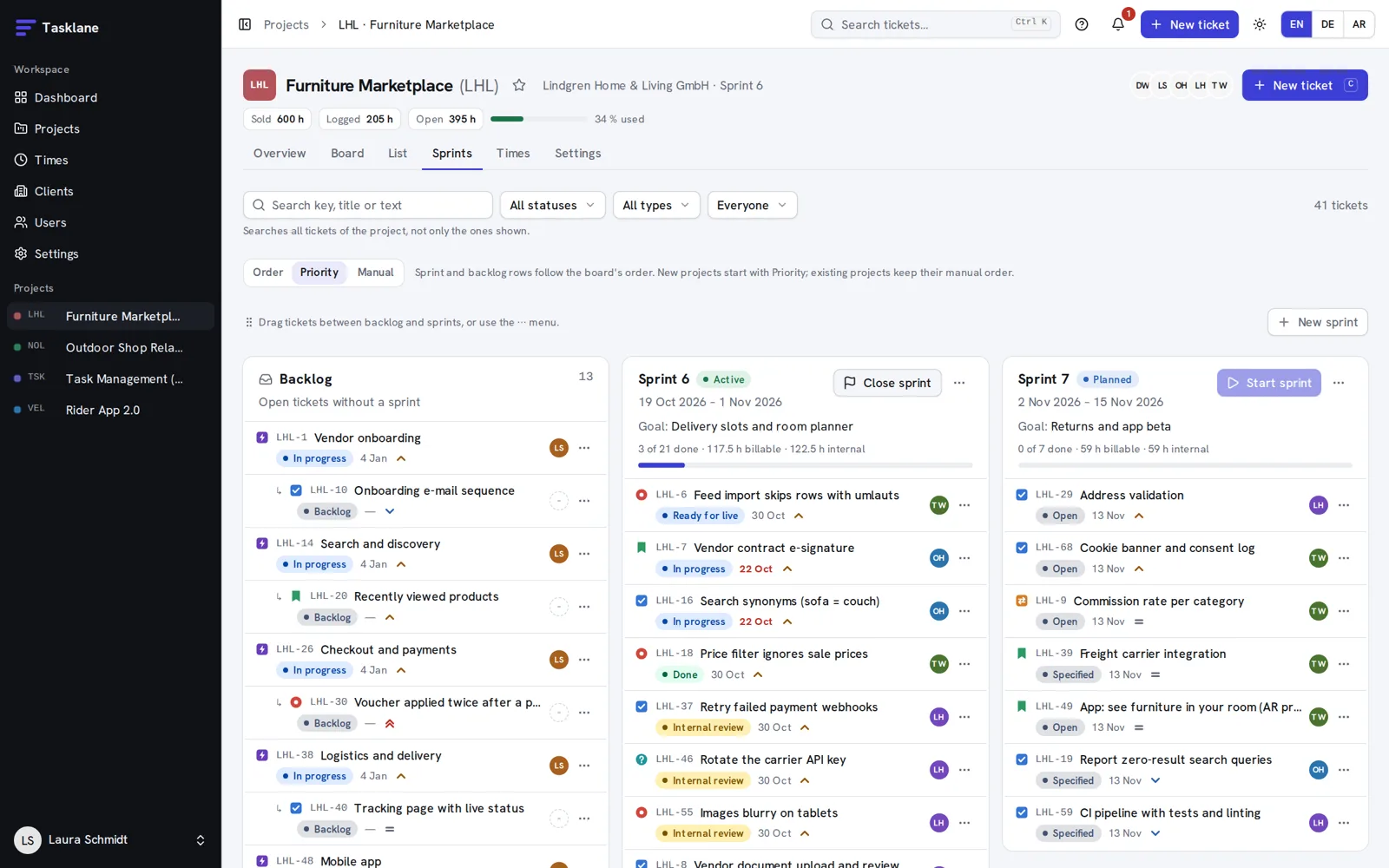
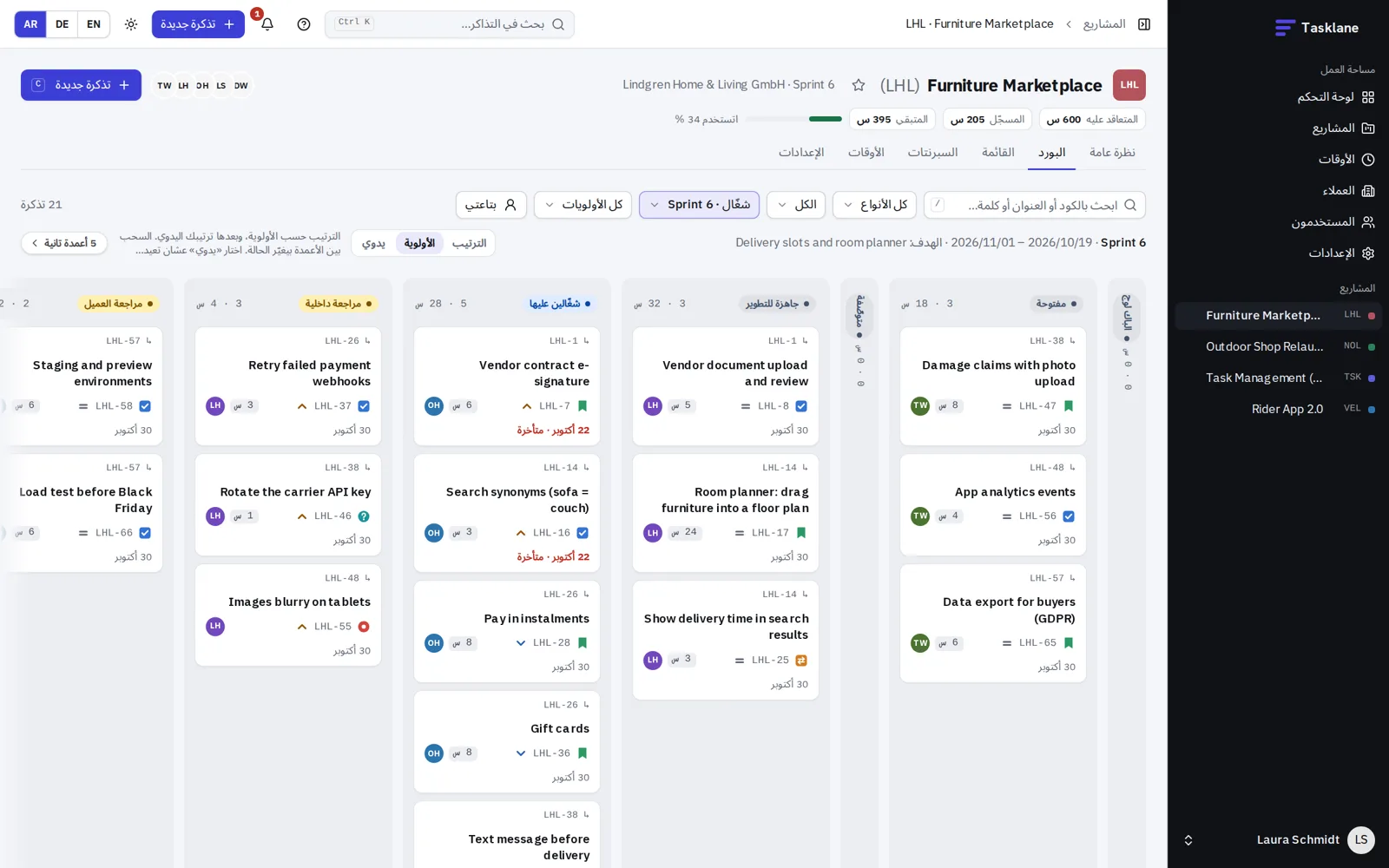
Epics, stories, tasks and bugs on a drag-and-drop board, a list or a tree. Saved views, watchers, links, acceptance criteria and evidence before Done.
 Tasklane
Tasklane is project and ticket management for agencies: board, sprints, time tracking and a client portal, with AI agents that work under your control.
One click signs you in as admin, project manager, team member or client.
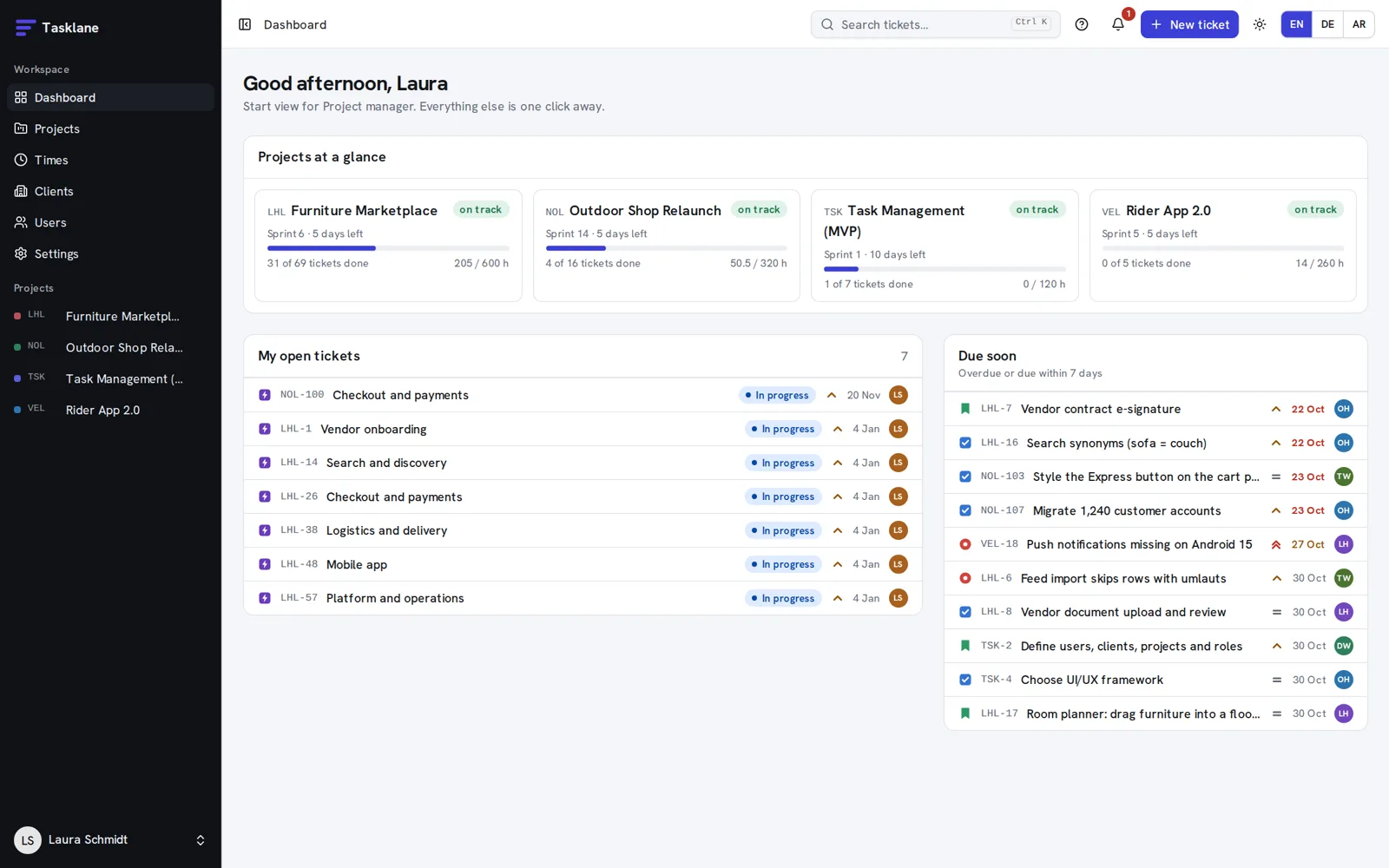
Epics, stories, tasks and bugs on a drag-and-drop board, a list or a tree. Saved views, watchers, links, acceptance criteria and evidence before Done.
Plan sprints and see reports, forecast, capacity and project health.
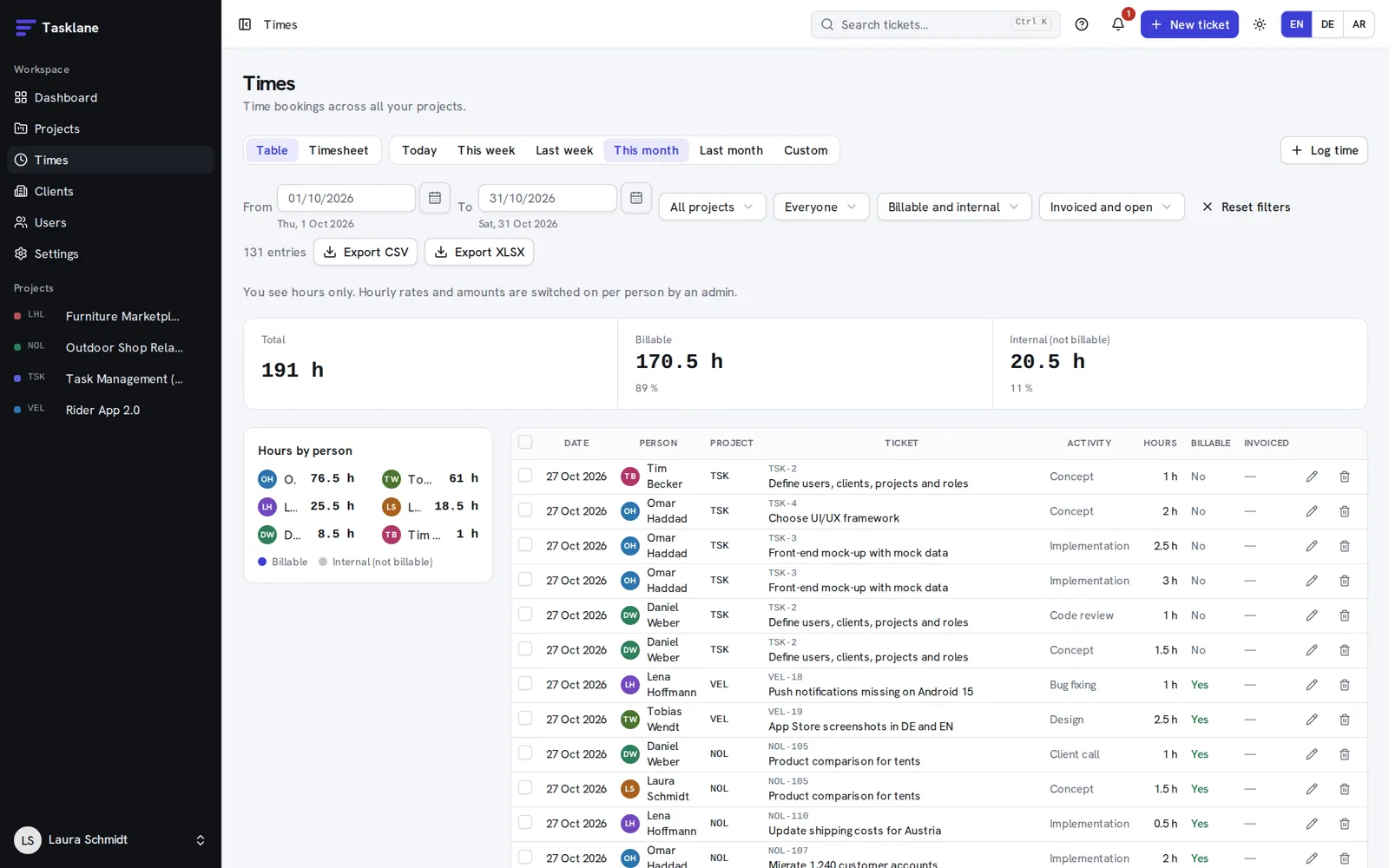
Timer or manual entries, billable or internal, with CSV and Excel export ready for invoicing.
Clients sign in and see only their projects. Client updates by mail, SLA and retainer per client, GDPR export and deletion.
Drafts, wait points, "needs you" and "your turn" queues, and decisions you can undo.
Triage, review and drafting agents with a budget per project, cost tracking and a kill switch. Your own AI tools can work with Tasklane too.
Commits and deploys show up on the ticket. Slack, ticket export to GitHub or Linear, a feedback widget for client sites and web push.
Admin, project manager, team and client roles. Two-factor sign-in, passkeys, sign-in rules, an audit log and restore of deleted tickets.
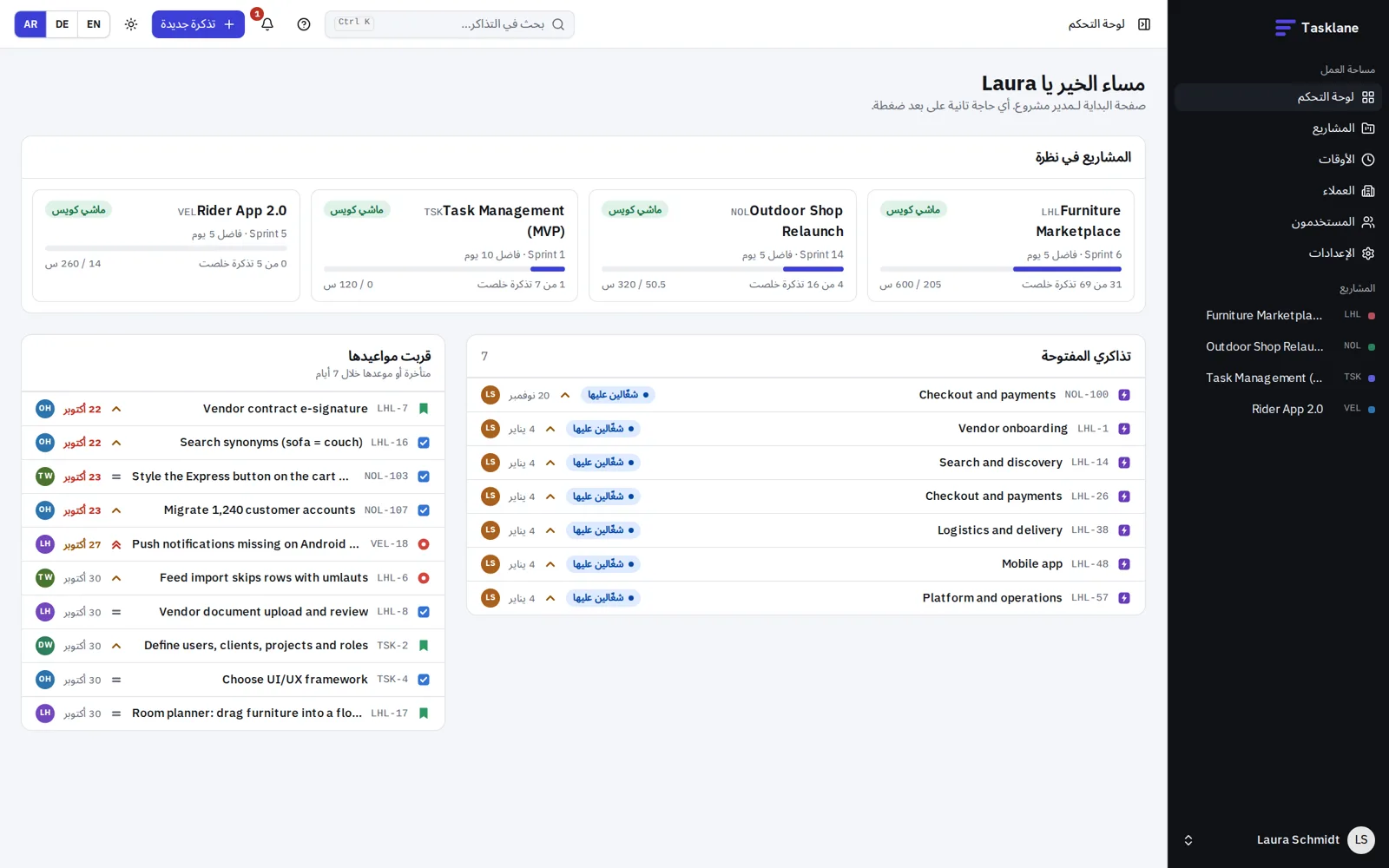
English, German and Arabic, right to left included.
The demo resets every night, so click around as much as you like.